
The Pairaphrase AI Sandbox makes it easy to translate Individualized Education Programs (IEPs) and download the final translated document as a Word file (.docx). This guide walks you through the full process step by step.
Before you begin
- Make sure you are using the GPT 4.5 model — it is optimized for IEP and text translation.
- To check or change your model, click the ⚙️ Settings icon in the top-left corner of the Sandbox and select GPT 4.5.
- Have your IEP file ready to upload.
Step-by-Step: Translate an IEP
Step 1 — Open the Sandbox and select the Pre-Made Prompt
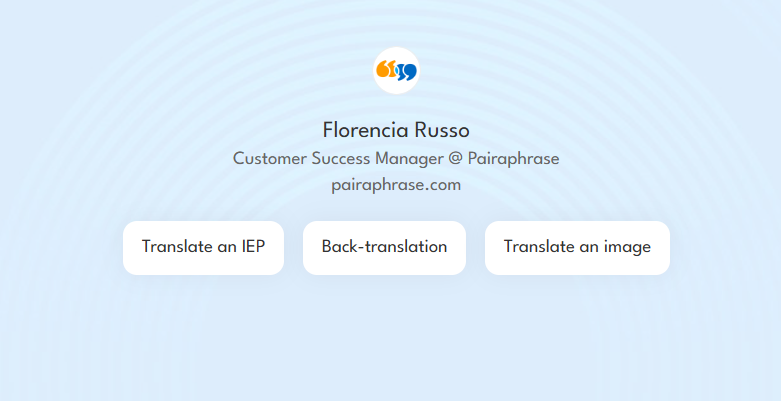
From the Sandbox home screen, click the "Translate an IEP" button.
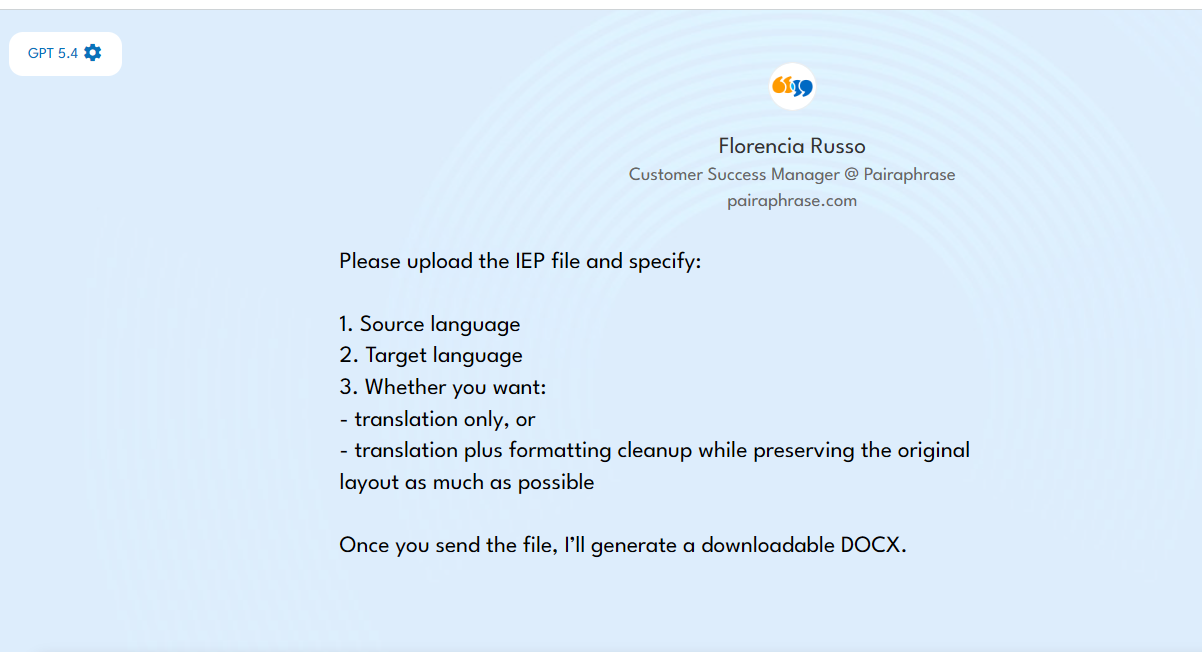
The AI will prompt you to provide three pieces of information along with your file:
- Source language — the language the IEP is currently written in
- Target language — the language you want it translated into
- Translation preference — choose one of the following:
- Translation only — translates the content as-is
- Translation + formatting cleanup — translates the content and cleans up formatting while preserving the original layout as much as possible
Step 2 — Upload your IEP file
Upload your IEP document and include your three details in the message. For example:
"Please translate this IEP from English to Spanish. I'd like translation plus formatting cleanup."
Then send the message.
Step 3 — Wait for the translation to generate
The AI will process your file and generate the translated document. This may take a moment depending on the length of the IEP.
Step 4 — Download the translated document
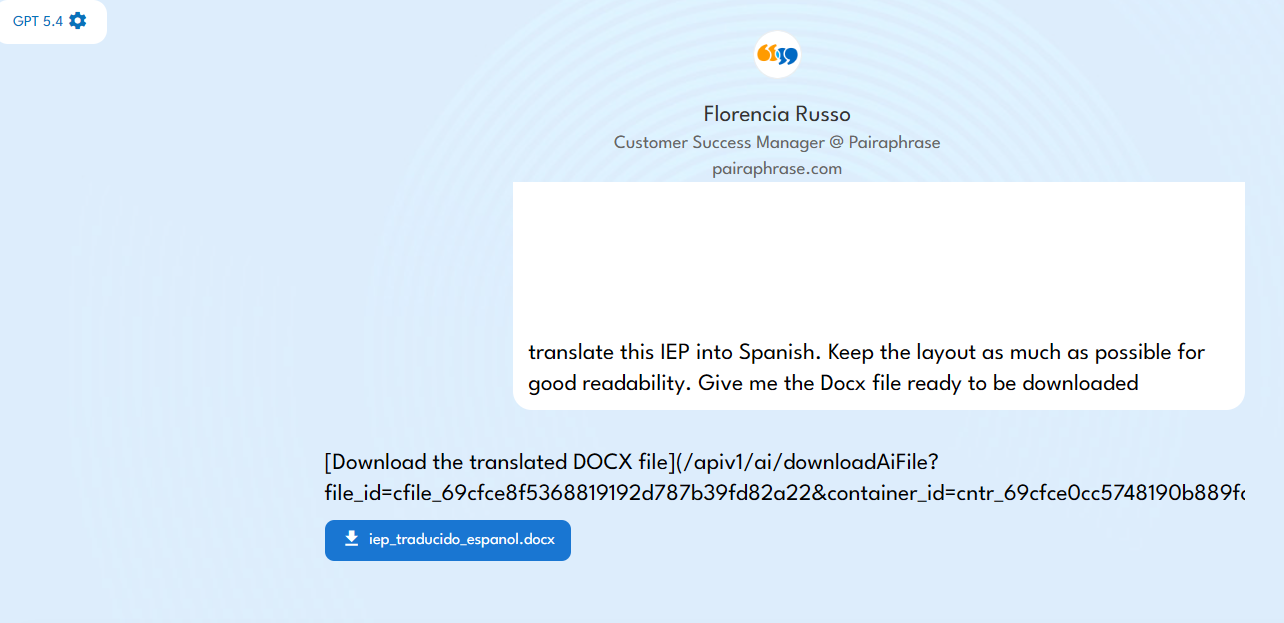
Once the translation is complete, the AI will provide a downloadable DOCX file. Click the download link to save the translated IEP to your device as a Word document (.docx).
Tips
- If your IEP has complex tables or multi-column layouts, selecting translation + formatting cleanup will produce a cleaner, more readable result.
- You can run a Back-translation afterward to verify accuracy — simply return to the Sandbox home screen and click the "Back-translation" prompt.
If you’d like help using these AI tools or want guidance on optimizing your translation workflow, contact the Pairaphrase team. We’re happy to help you get the most out of your translations.