
Need to collaborate on a deadline? This guide explains how to share files with teammates so you can edit, review, and complete translation projects together in real-time. Watch the video below or follow the step-by-step guide to find out how to share your files:
When and why to share your files
This feature is used when working on larger projects and you want to invite translators, reviewers, or subject matter experts to proofread your work to ensure accuracy of your translation.
How to share your files
Follow these steps to share files with a team member:
1. Navigate to My Files

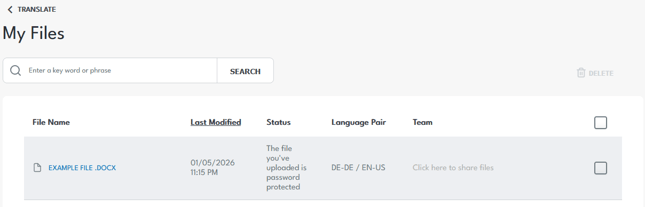
2. From the file explorer, select the file you want to share:
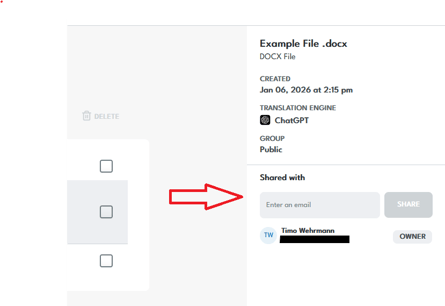
3. The menu on the right shows file details. The list under Shared with shows everyone who has access to your selected file. Enter an Email and click Share to share access with other team members:
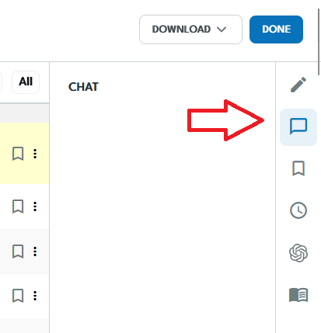
Once shared, you can work, review, and edit together with the invited members of your team. Open your translated file in the Translation Editor. You can click the speech bubble icon on the right to open the chat. This feature allows file-specific communication to streamline collaboration:
Need help or want to learn more?
If you have questions about team collaboration permissions or want help managing user access, try the online chat or contact us and our team will be happy to assist.